
I play DOOM using Project Brutality, and my absolute favorite weapon is the classic pump shotgun loaded with Dragon Breath shells. There’s just something satisfying about the flames and impact.
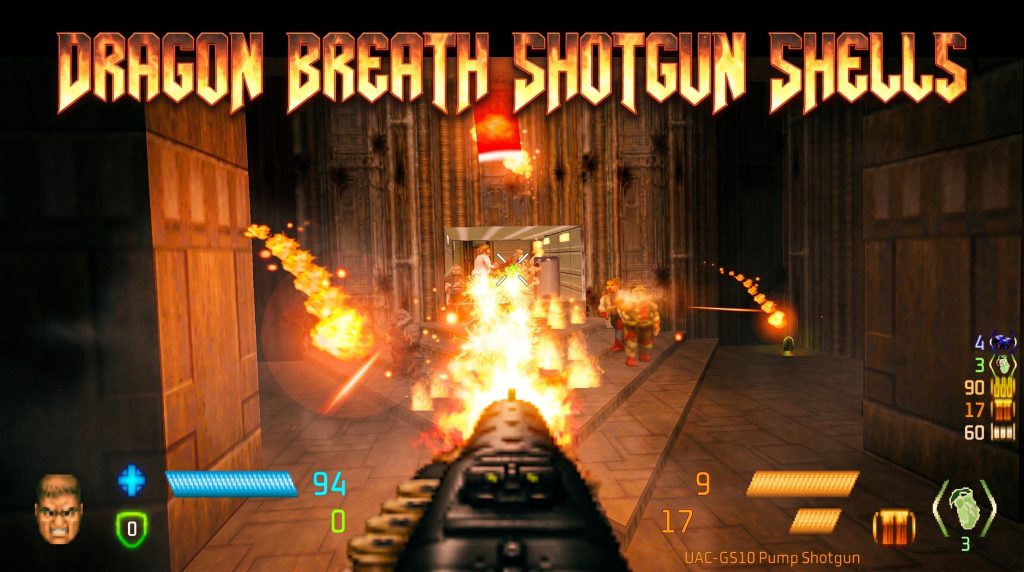
I wanted to start every new map with it right away instead of having to find the weapon and upgrade during gameplay. After trying a few different methods, the simplest and most reliable solution for me was to edit my autoexec.cfg file and bind the command to the F1 key. Now I just press F1 as soon as a map loads and I instantly get the shotgun with Dragon Breath shells ready to go.
~/.config/gzdoom/autoexec.cfg
alias give_dragon "give PB_Shotgun; give DragonBreathUpgrade; give PB_SGMagazine; use PB_Shotgun;"
bind F1 "give_dragon"
Done! Save the autoexec.cfg, launch GZDoom with Project Brutality, load any map, and press F1. You’ll instantly receive the pump shotgun with the Dragon Breath upgrade. It will also automatically switch to the shotgun. The only remaining manual step is opening the weapon special wheel to select the Dragon Breath shells.
RIP AND TEAR!